
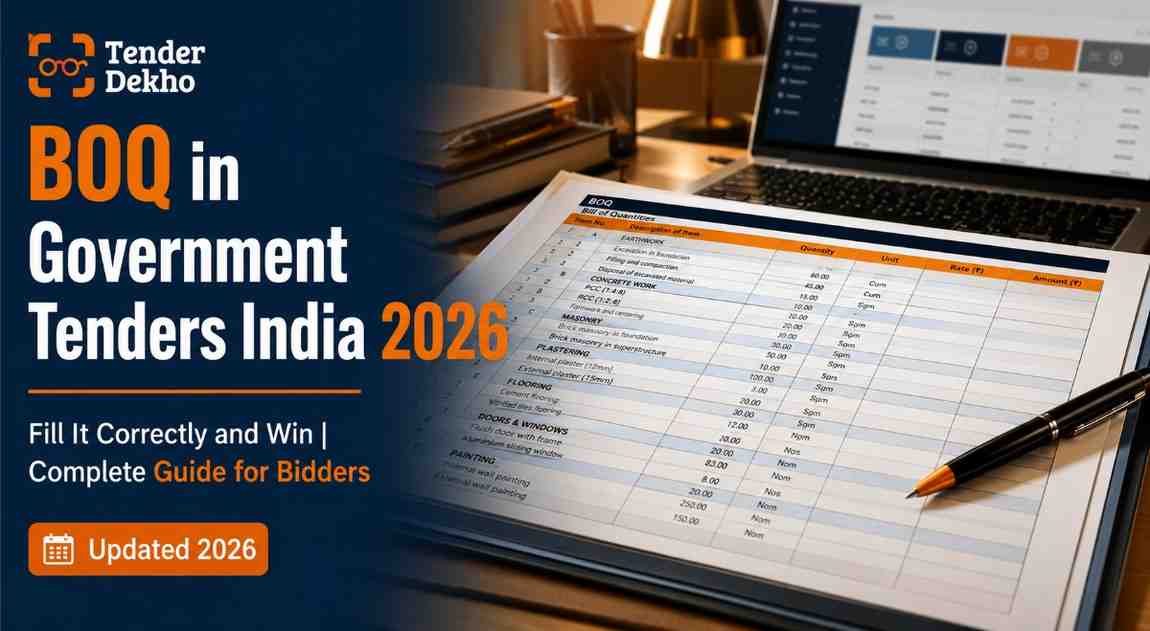
Every year, thousands of eligible businesses lose government contracts — not because their prices were too high, but because they filled the BOQ incorrectly. A wrong unit, a missing cell, or a tampered template is enough to get your bid rejected outright. India's government procurement market is worth ₹50–70 lakh crore annually, according to TenderDekho data (2025 data). Understanding what a BOQ is, and how to fill it without errors, is the difference between staying in the race and being eliminated before evaluators even look at your price.
Quick Facts: BOQ in Government Tenders
| Parameter | Details |
|---|---|
| Full Form | Bill of Quantities |
| Who prepares it | The procuring department / government agency |
| Who fills it | The bidder (rates only) |
| Where it is used | CPPP, GeM, state e-procurement portals |
| Format on portals | Excel (.xls), PDF, or system-generated template |
| Key Rule | Never modify the template structure — only fill permitted cells |
Source: CPPP portal guidelines and GFR 2017
If you are looking for active government tenders to bid on, browse 40,000+ live government tenders on TenderDekho and filter by category, state, or value.
What is BOQ in a Government Tender?
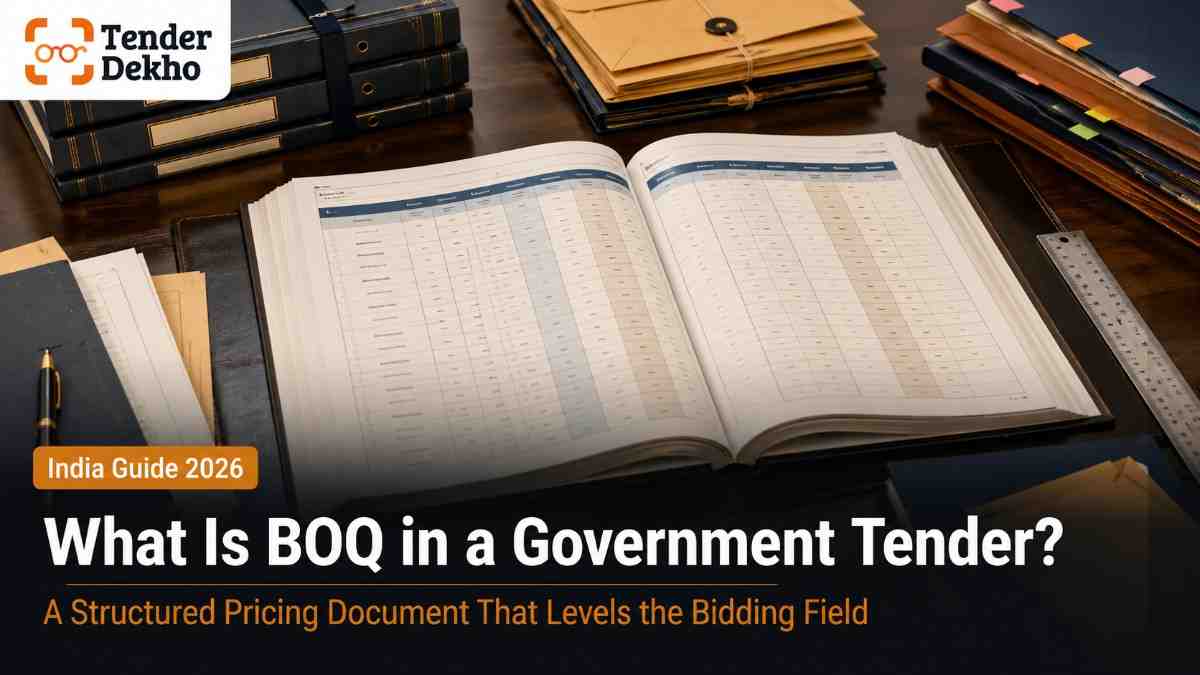
BOQ full form is Bill of Quantities. In government procurement, a BOQ is a structured document that lists every item of work, supply, or service required under the contract — along with the estimated quantity and unit of measurement for each item.
The procuring agency prepares the BOQ and attaches it to the tender documents. Your job as a bidder is simple in theory: enter your rate (price per unit) against each item. The system then multiplies your rate by the quantity and calculates your total bid value automatically.
The BOQ exists because the government needs to compare bids on a consistent basis. If every bidder submitted a lump-sum price, comparing them would be impossible. The BOQ creates a level playing field — all bidders quote against the same items in the same quantities, making evaluation transparent.
In construction and civil works tenders, the BOQ lists items such as excavation per cubic metre, RCC work per cubic metre, and plastering per square metre. In supply tenders, it lists items such as laptops (10 units), office chairs (50 units), or surgical gloves (500 boxes). In service tenders, it may list man-hours, monthly service charges, or trips.
BOQ vs BOM: Key Difference
| Aspect | BOQ (Bill of Quantities) | BOM (Bill of Materials) |
|---|---|---|
| Used in | Tenders and contracts | Manufacturing and procurement planning |
| Prepared by | Procuring agency / government | Supplier / manufacturer |
| Purpose | Pricing and bid evaluation | Material planning and inventory |
| Contains | Work items, quantities, unit rates | Raw materials, components, quantities |
| Bidder fills | Unit rate (rate per item) | Not filled by bidder |
Source: Standard procurement definitions, GFR 2017
Before You Start: What You Need to Fill a BOQ
Before you open the BOQ file, gather these items. Missing even one can lead to last-minute errors or rejections.
Documents and registrations required:
- Valid DSC (Digital Signature Certificate) — Class 3 with signing and encryption, mandatory on CPPP and most state portals
- Udyam Registration Certificate (if claiming MSME benefits)
- GST registration certificate — must be current; expired or inconsistently dated documents cause rejection
- PAN card
- Company or firm registration documents
- Rate analysis workings — your internal cost sheet to derive unit rates
Technical prerequisites before filling the BOQ:
- Read the full tender document, not just the BOQ sheet. Conditions of contract, specifications, and special clauses all affect how you should price.
- Attend the pre-bid meeting if one is scheduled. Queries raised at this stage become part of the official tender and can change the BOQ scope.
- Download and read every corrigendum published. A revised BOQ issued via corrigendum supersedes the original — missing this is a common reason bids are rejected.
- Check whether rates are to be quoted inclusive or exclusive of GST. The tender will specify this. Quoting in the wrong format (with GST when rates should be without) is a financial format error that causes rejection even for the lowest bidder.
Prerequisite Checklist
| Item | Status Check |
|---|---|
| DSC active and enrolled on portal | ✅ Mandatory |
| Latest BOQ downloaded (check corrigenda) | ✅ Mandatory |
| GST format confirmed (inclusive/exclusive) | ✅ Mandatory |
| Udyam certificate attached (if MSME) | ⚠️ Conditional |
| Rate analysis workings prepared | ✅ Recommended |
| Pre-bid queries reviewed | ⚠️ If pre-bid held |
How to Fill the BOQ Correctly: Step-by-Step
This section covers the actual process of filling a BOQ on Indian government procurement portals, including CPPP (eprocure.gov.in) and state portals.
Step 1: Download the Official BOQ Template
Log in to the tender portal and navigate to the specific tender. Under the documents tab, download the BOQ file — it is usually an Excel sheet or a system-generated form. Do not use a BOQ from a previous tender, even if the scope seems similar. The portal validates the file against a digital fingerprint. A reused or renamed file will be rejected at submission.
Step 2: Identify the Fillable Cells
On CPPP portal BOQ sheets, fillable cells are typically shown in white. Protected cells (grey or locked) contain quantities, descriptions, and formulas — never attempt to edit these. According to CPPP portal guidelines (2025 data), you must fill only the white-coloured (unprotected) cells with financial quotes and required details. The template must remain unmodified in structure.
This is backed by a September 2025 Supreme Court ruling (Mandeepa Enterprises case) which clarified that Clause 4(g) of standard tender documents prohibits any modification to the BOQ template "under any circumstances." The Court rejected a bidder's plea to correct a pricing error post-submission, confirming there are no second chances once financial bids are opened.
Step 3: Enter Unit Rates Carefully
For each line item, enter your rate per unit in the designated column. The formula in the BOQ will multiply your rate by the quantity automatically to give the item total. Verify the following before moving to the next line:
- Unit of measurement (RM = running metre, SQM = square metre, NOS = numbers, MT = metric tonne)
- Whether the rate is per unit or per set — some items like generators are quoted per set
- Whether your rate includes taxes or excludes them as per tender instructions
- Whether the item is lump sum (LS) — lump sum items require one consolidated figure, not a per-unit rate
Step 4: Do Not Leave Any Cell Blank
A blank cell in a mandatory pricing column is treated as a zero — or, in some portals, as an incomplete submission. Either outcome disqualifies you. If you cannot supply a particular item, do not bid on that lot. Selective pricing of some items in a multi-item BOQ is a common reason bids are declared non-responsive.
Step 5: Cross-Check Totals
Use auto-calculated BOQ sheets wherever provided. Once all unit rates are entered, verify:
- Item totals (rate × quantity for each line)
- Sub-totals per section
- Grand total (sum of all sections)
- GST calculation (if the BOQ has a separate row for taxes)
Round figures correctly. Some portals reject rates with more than two decimal places. Check the tender's instructions on decimal precision.
Step 6: Save and Upload in the Required Format
Do not convert the BOQ from Excel to PDF unless the tender explicitly asks for a PDF submission. Most portals require the Excel file. Follow the file-naming convention in the tender — incorrect file names lead to rejection at the portal's automated validation stage. According to procurement practitioners (2025 data), file-naming errors and format mismatches are among the most avoidable rejection reasons MSMEs face.
Step 7: Upload in the Financial Bid Envelope
On CPPP and state portals, bids are typically submitted in two separate envelopes — technical and financial. The BOQ goes in the financial envelope. Never attach the priced BOQ in the technical section. This is a disqualifying error because financial information must remain sealed until the technical evaluation is completed.
You can find construction tenders and civil works BOQs updated daily on TenderDekho to practice reading and understanding BOQ formats before you bid.
BOQ Filling Timeline
| Stage | When to Do It | Time Required |
|---|---|---|
| Download BOQ and read tender | Day 1 after tender publication | 2–3 hours |
| Pre-bid meeting attendance | As per tender schedule | 1–2 hours |
| Rate analysis preparation | 5–10 days before deadline | 1–3 days |
| BOQ filling and verification | 3–5 days before deadline | 3–6 hours |
| Final upload and submission | 24–48 hours before deadline | 1–2 hours |
Common BOQ Mistakes That Get Bids Rejected
Every experienced bidder has a rejection story that starts with the BOQ. Here are the most frequent mistakes and how to avoid them.
Mistakes and Fixes
| Mistake | Consequence | How to Avoid |
|---|---|---|
| Quoting without or with GST in wrong format | Financial evaluation error; bid rejected | Confirm GST treatment in tender conditions before filling |
| Leaving a cell blank | Treated as zero or incomplete bid | Enter 0 only if the item is genuinely nil-rated; never leave blank |
| Uploading a modified template | Digital validation failure; submission rejected | Never edit protected cells or headers; use original download |
| Placing BOQ in technical envelope | Financial information exposed before evaluation | Always place priced BOQ in financial envelope only |
| Reusing last tender's BOQ file | File fingerprint mismatch; portal rejects file | Always download fresh from the active tender |
| Ignoring corrigendum BOQ revision | Pricing outdated scope | Check for corrigenda daily; re-download BOQ if revised |
| File naming error | Automated validation rejection | Use exact filename format from tender document |
| Underquoting to win without margin | Post-award financial distress | Price sustainably — benchmark past award rates on CPPP |
Source: CPPP portal guidelines; Tata Nexarc blog (2025 data)
One case reinforces how seriously courts treat BOQ finality. In a 2025 Supreme Court ruling, a bidder who quoted ₹9,72,999 for an entire 1,095-day contract (instead of a per-day rate) attempted to correct the figure after bids were opened. The Court upheld the original bid, ruling that post-bid modifications destroy the transparency of the tender process. Your BOQ is final the moment the financial bid is opened.
MSME Advantage: How MSMEs Should Approach the BOQ

If you are an MSME registered under the Udyam portal, the BOQ is not just a pricing document — it is also where your procurement advantages materialise.
According to data from the Ministry of MSME (2025 data), Central Ministries, Departments and CPSEs procured ₹74,717 crore worth of goods and services from MSEs in 2023-24, constituting 43.71% of total procurement. This benefit only reaches you if your BOQ submission is technically clean and your MSME status is correctly declared.
Key MSME advantages at the BOQ stage:
- EMD exemption under GFR 2017 Rule 170 — Udyam-registered MSMEs are exempt from depositing Earnest Money Deposit, which saves ₹50,000 to ₹10 lakhs per tender bid
- 15% price preference — If your quoted rate is within 15% of the L1 (lowest bidder), you can be offered the contract at L1's rate, provided L1 is not an MSME
- 25% procurement reservation — Central government agencies must source at least 25% of annual procurement from MSEs under the Public Procurement Policy
- 358 reserved items — Certain product categories are exclusively reserved for MSE suppliers; non-MSMEs cannot bid at all
MSME BOQ Submission Tips:
- Attach your Udyam certificate in the technical envelope — not the financial one
- Explicitly invoke the MSME preference clause (typically Clause 3(d) of the tender) when the BOQ and bid are submitted
- Do not underquote just to win. With a 15% price preference, you can price slightly above L1 and still secure the order. Aggressive underquoting leaves no margin for delivery and is how MSMEs lose money after winning contracts.
- On GeM, MSE sellers have secured ₹7.44 lakh crore in cumulative orders (GeM portal data, 2025 data), accounting for 44.8% of total order value — proof that correctly submitted bids from MSMEs consistently win.
For GeM-specific procurement, you can explore GeM seller registration and bid participation support to understand how the BOQ works on the GeM platform specifically.
FAQs: BOQ in Government Tenders India
What is BOQ full form in tender?
BOQ stands for Bill of Quantities. It is a structured document prepared by the procuring agency that lists every item of work, supply, or service required under the contract, along with quantities and units of measurement. The bidder fills in only the unit rate for each item.
Can I modify the BOQ template before uploading?
- No. The BOQ template must remain structurally unmodified.
- You may only fill in the designated (usually white or unlocked) cells with your rates.
- Any change to headers, row/column structure, or protected formulas will cause portal rejection or legal disqualification.
- The Supreme Court (September 2025) confirmed that post-bid modifications are not permitted, even if the error is genuine.
What happens if I leave a BOQ cell empty?
- The cell may be treated as a zero rate by the system, making your total abnormally low.
- In some portals, an empty mandatory cell renders the bid incomplete and non-responsive.
- Either way, the bid may be rejected. Always enter a figure — enter 0 only if the item is genuinely not applicable and the tender allows it.
Should my BOQ rates include GST or exclude it?
- Check the tender document's instructions carefully — there is no single universal rule.
- Most central government tenders on CPPP require rates to be quoted exclusive of GST, with GST calculated separately.
- Some state portal tenders require all-inclusive (tax-included) rates.
- Quoting in the wrong format is a financial format error that can disqualify even the lowest bidder.
Is a BOQ used in GeM tenders too?
- Yes, for work tenders and multi-item supply tenders on GeM, a BOQ or price sheet is used.
- For direct purchase and standard catalogue orders, GeM uses catalogue pricing instead of a BOQ.
- For custom bids and large service contracts on GeM, a BOQ or custom bill of material is attached to the bid.
What is the MSME benefit in BOQ-based tenders?
- EMD exemption — saves ₹50,000 to ₹10 lakhs per bid under GFR 2017 Rule 170
- 15% price preference — you can win even if not the lowest bidder, as long as you are within 15% of L1
- 25% procurement reservation by central agencies for MSEs
- 358 product categories exclusively reserved for MSE suppliers
Your Next Step: Turn Knowledge into Winning Bids
A correctly filled BOQ is your entry ticket into the financial evaluation round. It does not guarantee a win — but an incorrectly filled one guarantees a loss. The process is not complicated once you know the rules: use the official template, fill only the permitted cells, quote rates in the correct GST format, upload in the right envelope, and submit at least 24 hours before the deadline.
For MSMEs, the opportunity is particularly strong. Central agencies procured ₹74,717 crore from MSEs in 2023-24 (Ministry of MSME, 2025 data), and that number continues to grow. If you have Udyam registration, you have structural advantages — EMD exemption, price preference, and reserved categories — that make each BOQ submission worth the effort.
Your 7-Day BOQ Action Plan
| Day | Action |
|---|---|
| Day 1 | Find 3 relevant active tenders; download and read each BOQ and tender document |
| Day 2 | Verify registrations: DSC valid, Udyam active, GST current |
| Day 3 | Attend pre-bid meeting or review published pre-bid responses |
| Day 4–5 | Prepare rate analysis workings; benchmark past award prices on CPPP |
| Day 6 | Fill the BOQ; cross-check every total, GST format, and cell |
| Day 7 | Upload in correct envelope; submit at least 24 hours before deadline |
Source: Standard CPPP submission guidance, GFR 2017
To begin, search for government tenders that match your category and state on TenderDekho — updated daily from CPPP, GeM, and state portals across India. Start with tenders you can deliver confidently, fill the BOQ with accurate rates, and build your track record one compliant bid at a time.