
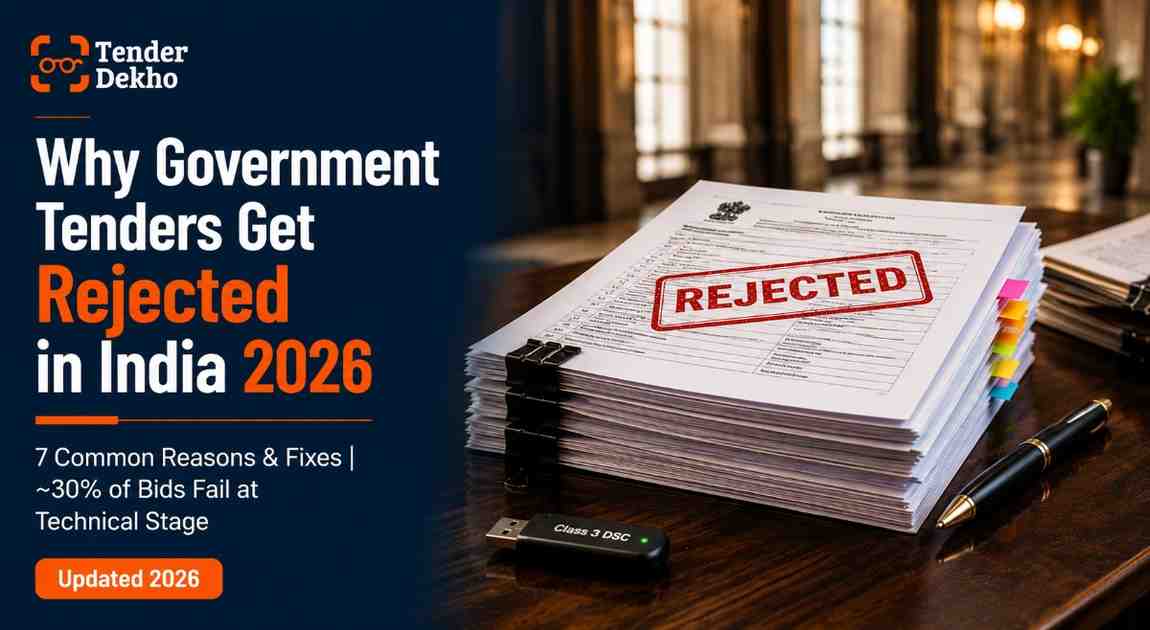
About 30% of government tenders in India are eliminated at the technical bid stage alone — before anyone even opens the financial bid, according to industry data (2025). You could quote the sharpest price in the room, but if your DSC token fails at submission or a single annexure is missing, the system will reject your bid automatically. No exceptions.
Most rejections in Indian government procurement are avoidable. They are not caused by business capability gaps or pricing failures. They are caused by documentation lapses, procedural misses, and portal-level errors that repeat across thousands of bids every year.
This guide breaks down the most common reasons government tenders get rejected in India and gives you specific fixes. Whether you are an MSME bidding through GeM (Government e-Marketplace) or a contractor on CPPP (Central Public Procurement Portal), these patterns will help you stop losing bids you were qualified to win. Explore active government tenders across all sectors on TenderDekho to find opportunities matched to your capabilities.
| Quick Facts: Tender Rejection in India 2026 | |
|---|---|
| Technical bid rejection rate | ~30% of all bids (industry data, 2025) |
| Top rejection cause | Incomplete or incorrect documentation |
| Documentation errors share | ~35% of all GeM rejections (GeM portal vendor feedback, 2025) |
| Post-bid correction allowed? | No — Supreme Court ruling, September 2025 |
| Key portals | GeM, CPPP (eprocure.gov.in), state e-procurement systems |
| MSME advantage | EMD exemption, relaxed turnover norms under DPIIT policy |
Source: GeM portal vendor feedback data, industry analysis 2025
Reason 1: Incomplete or Incorrect Documentation
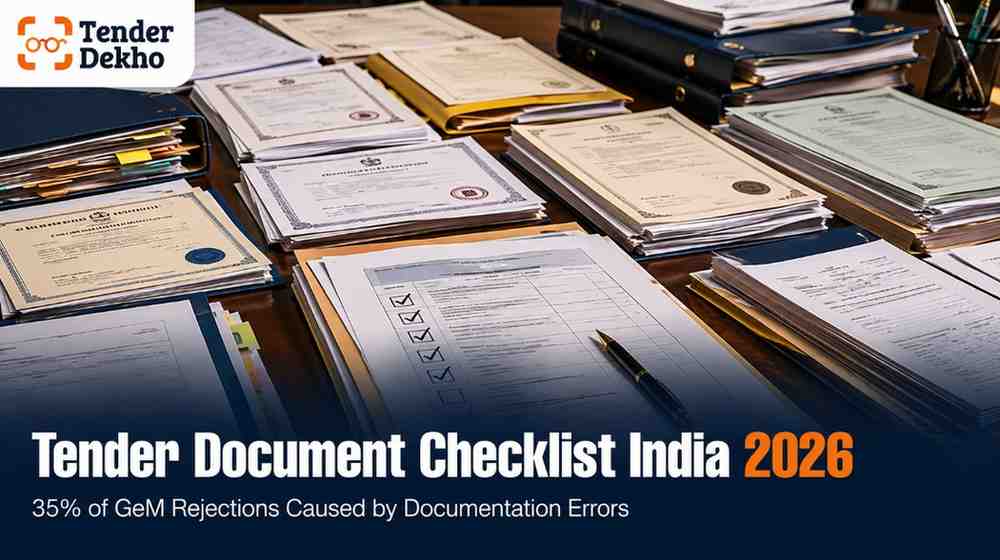
Across all tender rejection categories, incomplete documentation is the single most common cause of disqualification, according to industry analysis (2025). Government tender documents explicitly list required submissions in a checklist or "Documents to Be Submitted" section. Yet every evaluation cycle, evaluation committees enforce these lists without exception — the system does not permit corrections after the deadline.
The most frequently missed documents include:
- GST registration certificate (expired or mismatched entity name)
- Audited financial statements for the last three financial years
- Work completion certificates whose dates fall outside the tender's stated experience period
- Udyam certificate when claiming EMD exemption or MSME preference
- Sector-specific certifications such as BIS, FSSAI, or ISO where mandated
- Authorisation letters when bidding as a distributor or dealer
The fix: Build a master document checklist specific to each tender. Read the NIT (Notice Inviting Tender) checklist column by column — not diagonally. Cross-reference every item against your uploaded folder before final submission. Mark documents with expiry dates and renew them at least 30 days before any tender submission.
| Common Documents and Typical Validity Periods | ||
|---|---|---|
| Document | Typical Validity | Risk if Expired |
| GST Certificate | Permanent (but update details if changed) | Outright rejection |
| Udyam (MSME) Certificate | No fixed expiry — but details must be current | EMD exemption denied |
| DSC (Digital Signature Certificate) | 1–2 years from issue | Bid cannot be submitted |
| ISO Certification | 3 years from issue | Technical bid fail |
| Bank Guarantee (EMD) | Must cover bid validity + 30 days | Immediate rejection |
| Work Completion Certificate | N/A — but dates must match required experience period | Technical disqualification |
Source: GeM portal requirements and CPPP bidder guidelines
Reason 2: EMD Errors — Wrong Amount, Wrong Mode, or Missed Deadline
EMD (Earnest Money Deposit), also called bid security, serves as the first screening filter for procurement officers. Bids without valid EMD are rejected immediately — before the technical proposal is even reviewed, according to procurement guidelines on eprocure.gov.in.
The typical EMD ranges from 1% to 5% of the estimated contract value. Even a shortfall of ₹2,000 on a ₹1 lakh EMD requirement results in automatic disqualification. Common EMD-related errors include:
- Wrong amount: Calculating 2% of the department's internal estimate rather than the published tender value — these sometimes differ.
- Wrong payment mode: Submitting a demand draft when the tender specifies only bank guarantees or NEFT/RTGS.
- Late payment: Portal timestamps are absolute. An EMD confirmed two minutes after the deadline is rejected regardless of when it was initiated.
- Invalid beneficiary details: The bank guarantee or DD must name the exact procuring entity — abbreviation mismatches cause rejection.
- Expired Udyam certificate when claiming EMD exemption: Some bidders upload outdated MSME certificates to claim the exemption but the portal flags the mismatch.
For MSMEs registered under Udyam, the EMD exemption is a significant advantage — it saves 1–2% of contract value per bid under DPIIT procurement policy. However, this exemption must be claimed correctly with a valid Udyam certificate at submission time.
The fix: Treat the EMD as the first task in your bid preparation — not the last. Confirm the exact amount, the accepted mode of payment, the beneficiary name and address, and the validity period before doing anything else. Submit EMD at least 48 hours before the deadline to account for processing delays.
Reason 3: Eligibility Criteria Mismatch
Many bidders discover they are ineligible only after spending days preparing a submission. Government tenders set eligibility conditions covering turnover, experience, certifications, and entity type — departments reject bids that fall short, even at pre-qualification stage.
Common eligibility mismatches:
- Turnover below threshold: A tender requires ₹50 lakhs average annual turnover over three years; the bidder's financials show ₹42 lakhs.
- Experience gap: The NIT requires one similar work of ₹20 lakhs in the last five years — but the bidder's work orders are from six years ago.
- Wrong entity type: Some tenders are exclusive to MSMEs, manufacturers, or OEMs. Traders bidding for manufacturer-only categories get disqualified at document scrutiny.
- Missing certifications: Healthcare, food, and defence tenders require FSSAI, BIS, or ISO certifications that many bidders assume are optional.
According to CPPP guidelines (eprocure.gov.in), departments do not open financial bids of technically ineligible bidders — your price never gets considered.
The fix: Before downloading any tender document, read the NIT summary for the eligibility clause — most portals show it in the tender overview. Match your audited turnover, experience list, and certifications against the stated criteria. If you fall 10–15% short on turnover but are otherwise eligible, check whether the tender allows MSME relaxation. Browse government tenders filtered by sector and value on TenderDekho to identify tenders aligned with your actual qualifications.
| Pre-Bid Eligibility Check | ||
|---|---|---|
| Criterion | Where to Find | What to Verify |
| Annual turnover | NIT Eligibility Clause | Match CA-certified financials |
| Prior experience | NIT Prequalification Criteria | Work order dates within stated period |
| Entity type | NIT Special Conditions | Udyam or GST registration category |
| Technical certifications | Technical Specifications | Current validity confirmed |
Source: CPPP bidder guidelines, GFR 2017
Reason 4: DSC Failures and Portal Technical Errors
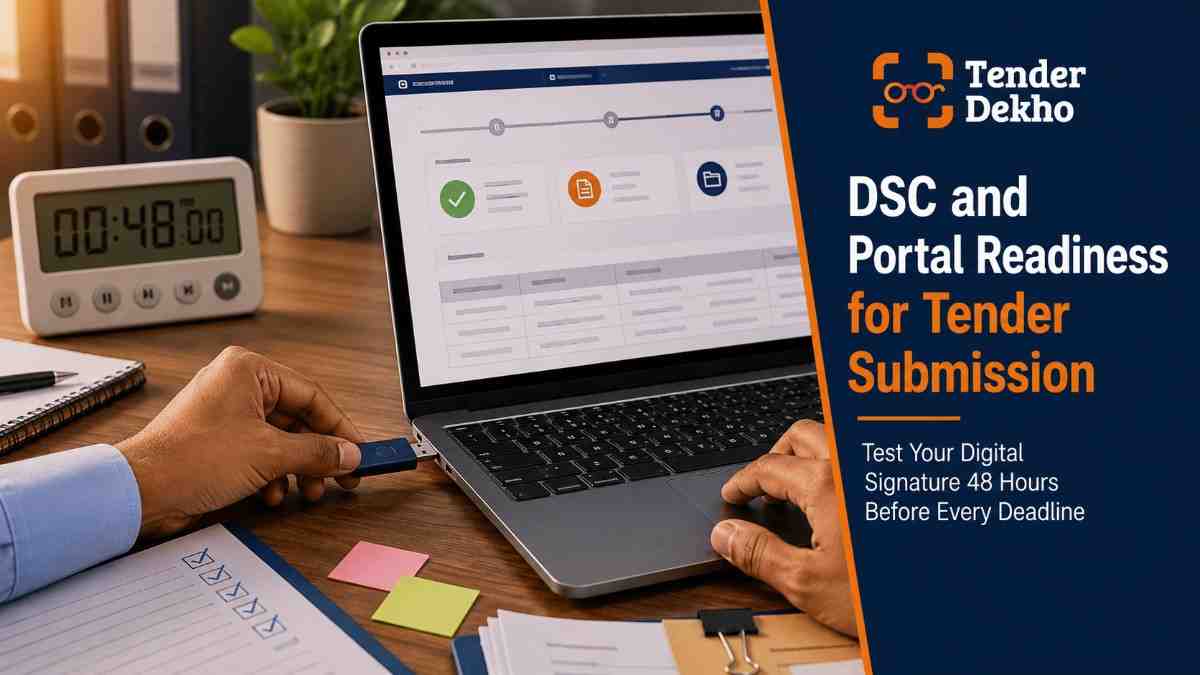
A DSC (Digital Signature Certificate) is mandatory for submitting bids on GeM, CPPP, and all state e-procurement portals. Class 3 DSC tokens with signing and encryption capability are the standard requirement. But DSC failures remain one of the most operationally disruptive causes of rejection — particularly for smaller businesses with limited IT support.
Frequent DSC-related rejection triggers:
- Expired DSC: Validity lapses 1–2 years after issue. Many bidders miss this until bid day.
- Wrong portal mapping: A DSC must be registered with each portal separately — a new token not mapped to GeM or CPPP will fail at submission.
- Java or browser incompatibility: Most e-procurement portals use Java-based emSigner utilities; outdated or incompatible Java versions break the signing process.
- Last-minute upload crash: Portal servers load up in the final hour before deadlines. Uploading large files at the last minute often times out.
The Supreme Court of India ruled in September 2025 that post-bid corrections are not permissible — the "sanctity of the tender process" does not allow rectification of submission errors after the deadline, even inadvertent ones. This makes pre-submission technical readiness non-negotiable.
The fix: Treat your DSC like a business registration document. Check validity every quarter. Register your DSC token with each portal you actively bid on. Run a test signing exercise at least 48 hours before any deadline. Keep a backup DSC token for the authorised signatory, especially for high-value bids. Complete all uploads at least 24 hours before the deadline — never in the final hour.
Reason 5: BOQ Format Errors and Price Disclosure in Technical Bids
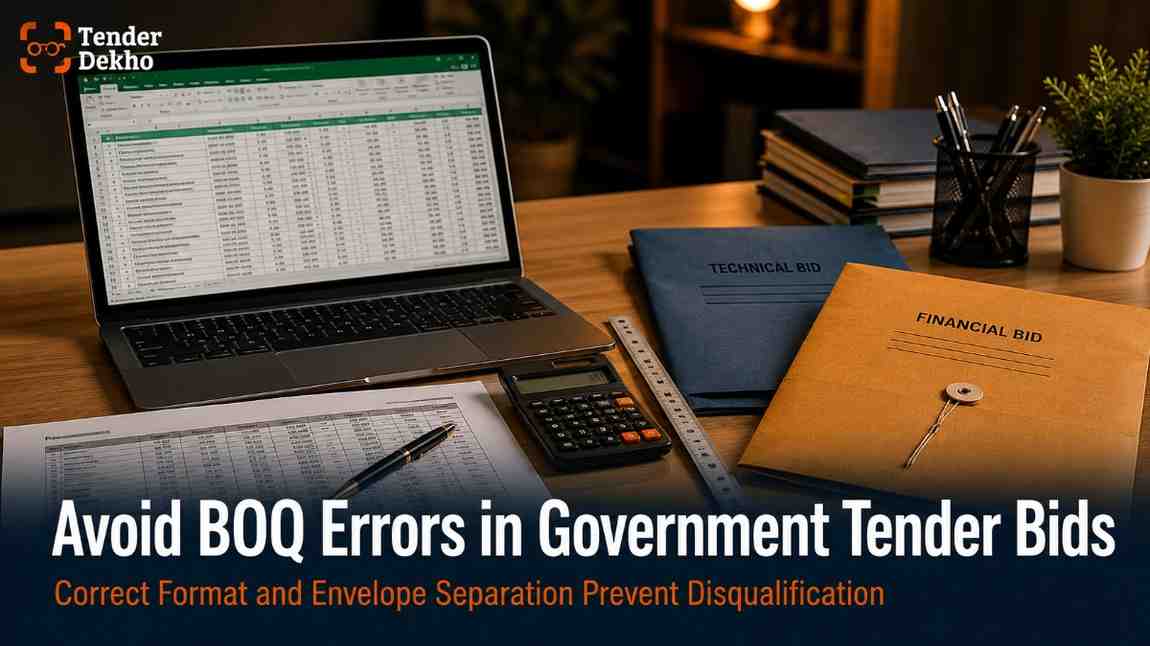
The BOQ (Bill of Quantities) is the financial schedule attached to most supply, works, and services tenders. Errors in the BOQ, or financial data accidentally placed in the technical bid envelope, are among the least forgivable mistakes because they are entirely within the bidder's control.
The most common BOQ and bid structure errors:
- Modified BOQ format: Portals provide a locked Excel BOQ. Deleting rows, altering formulas, or adding columns makes the file invalid on upload.
- Price disclosed in technical bid: Any rate or financial figure in the technical envelope automatically disqualifies the bid.
- GST treatment mismatch: Some tenders require prices exclusive of GST; submitting an inclusive-of-GST rate creates an arithmetic inconsistency that triggers rejection.
- Missed corrigendum BOQ: If the department revises the BOQ via corrigendum and you use the original, you are rejected regardless of everything else.
According to BOQ submission guidance on CPPP (2025), the signed BOQ must reflect exactly the portal-provided format with only bidder rate cells filled — all other cells left as-is.
The fix: Download the BOQ fresh on the day of submission to catch any corrigendum updates. Only fill the rate cells — never touch structure, formulas, or headings. Use the portal's BOQ validation feature before upload if available. Keep technical and financial documents in strictly separate folders during preparation. Find tenders with clear BOQ specifications on TenderDekho to shortlist well-structured opportunities.
Get instant tender alerts — completely free
New government tenders are published daily. Get notified instantly for the ones that match you.
Reason 6: Missing or Ignoring Corrigendum Updates
A corrigendum is an official amendment issued by the procuring department after the original tender is published. It can modify eligibility criteria, change deadlines, revise technical specifications, or introduce new document requirements. Missing a corrigendum is a silent killer — you submit a complete, competent bid against the old requirements and get rejected for a reason you never saw.
As per GFR 2017, corrigenda must be published on the same platform as the original tender. CPPP and GeM send email alerts to registered vendors — but only if you registered before the corrigendum was issued and only if the portal's notification system is working correctly.
Corrigendum updates can revise deadlines, raise turnover thresholds, add new mandatory documents, or replace the BOQ entirely. Bidding on old terms after a corrigendum causes rejection even when the rest of the bid is flawless.
The fix: Log in to the original tender portal listing at least twice a week from the date you download the document until the submission deadline. Do not rely solely on email notifications. Assign one person in your team specifically to monitor the portal for corrigendum updates on active bids. Check the corrigendum section of the tender listing on your final submission day before uploading anything.
Reason 7: Signature Mismatches and Incomplete Forms
Even when all the right documents are present, signature errors and incomplete forms create grounds for rejection. Evaluation committees treat unsigned documents as non-submissions.
Common signature and form errors:
- Missing signature: Cover letter, BOQ, bid integrity certificate, and MSME declaration all need the authorised signatory's signature and company seal.
- Wrong signatory: The signing person must match the authorised signatory named in the board resolution or power of attorney submitted with the bid.
- Date mismatches: A completion certificate dated 2022 submitted for a tender requiring experience within the last three years (as of 2026) falls outside the valid period.
- Incomplete form sections: Blank fields and unchecked boxes trigger clarification requests — missing the clarification window ends the bid.
A Pune-based engineering firm's bid was rejected after a signature mismatch triggered a clarification request. The firm missed the reply window by 36 minutes because the alert went to an unmonitored inbox — the bid was eliminated despite being otherwise sound.
The fix: Before uploading, print a physical copy of your full technical bid and physically check every signature block, seal, date, and page number. Assign a dedicated email account monitored daily for portal clarification requests during the post-submission period. Keep your authorised signatory's details — name, designation, PAN — consistent across all submitted documents.
MSME-Specific Rejection Risks — And Your Advantages
MSMEs face additional rejection risks tied to procurement preferences. DPIIT mandates EMD exemption, relaxed experience norms, and purchase preference for Udyam-registered businesses. However, claiming these benefits incorrectly can itself trigger disqualification.
Common MSME-specific rejection triggers:
- Claiming EMD exemption without attaching a valid Udyam certificate
- Submitting an Udyam certificate with details that do not match the GST or PAN submitted elsewhere in the bid
- Applying for manufacturer-only tenders as a trader (Udyam category mismatch)
- Not mentioning MSME preference claim explicitly in the cover letter or bid declaration form
For Udyam-registered MSMEs, the 2026 procurement ecosystem offers real advantages: EMD exemption (saving 1–2% per bid), relaxed turnover requirements, and access to MSME-only tender categories on GeM worth up to ₹200 crores, per GeM portal policy. Claiming these correctly starts with your Udyam details being accurately mapped to your portal profile — GeM registration and bid support can help with this step.
FAQs: Government Tender Rejections India 2026
Can I correct a mistake in my bid after submission?
No. The Supreme Court of India ruled in September 2025 that post-bid corrections are not permitted, as they compromise the integrity of the tender process. This applies even to inadvertent clerical errors. Your only option after rejection is to challenge the decision legally if the rejection was arbitrary or based on grounds not stated in the NIT.
Competitor Intelligence Dashboard
6-module analysis platform · Paid feature
Know exactly who's beating you — and how to win next time.
Go beyond basic search. Analyse bid history, win rates, and head-to-head performance for any company across 8 years of government tender results.
7L+
Companies
6
Intel Modules
8 Yrs
Bid History
AI
Insights Engine
What is the most common reason government tenders get rejected in India?
Incomplete or incorrect documentation is the leading cause, responsible for approximately 35% of all GeM rejections according to GeM portal vendor feedback (2025 data). Missing a single mandatory document results in elimination regardless of bid quality.
Can I challenge a tender rejection?
Yes. Under Article 14 of the Indian Constitution, tendering authorities cannot exercise arbitrary discretion. If your bid was rejected on grounds not stated in the NIT, you can approach the relevant High Court. Courts have consistently ruled that bid rejections must be reasoned and non-arbitrary.
Do MSMEs get any special protection from rejection?
- Udyam-registered MSMEs are exempt from EMD payment under DPIIT policy
- Authorities cannot reject an MSME bid for a document not listed in the NIT (Supreme Court, 2025)
- MSMEs must still meet technical and experience criteria — Udyam status is not a blanket eligibility override
What happens if my DSC fails during submission?
If your bid is not submitted before the deadline due to DSC failure, it is treated as a non-submission — there is no extension or grace period. Test your DSC at least 48 hours before the deadline and keep a backup token for the authorised signatory.
Your 30-Day Tender Readiness Plan
Most tender rejections cluster around the same preparable causes. Use this plan to build bid discipline before your next submission.
| Week | Focus | Actions |
|---|---|---|
| Week 1 | Document audit | Compile a master folder of all registration documents with expiry dates. Renew anything expiring within 90 days. |
| Week 2 | DSC and portal readiness | Test DSC on every portal you bid on. Register backup token. Verify Java/browser compatibility. |
| Week 3 | Tender selection | Search tenders by sector, value, and eligibility on TenderDekho. Only shortlist tenders where you meet 100% of stated criteria. |
| Week 4 | Bid preparation and submission drill | Read the NIT checklist line by line. Set corrigendum monitoring alerts. Prepare bid at least 48 hours before deadline. Do a final pre-upload check against this article's checklist. |
Every rejection is a bid fee wasted and a contract missed. Unlike pricing or competition, rejection from technical errors is entirely within your control. Build the checklist habit, monitor corrigenda, keep your DSC and documents current — your disqualification rate will fall sharply. For a daily pipeline of government tenders matched to your profile, browse TenderDekho's live tender listings — updated from 50+ central and state portals every day. For more procurement guides, visit the TenderDekho blog.