
Your Procurement Team Is Working Hard — And Still Missing Tenders
It is 9:15 AM on a Tuesday. Your bid coordinator opens three government procurement portals in separate browser tabs and starts the morning routine — search for "civil construction", scan 60 results, cross-reference with yesterday's list, flag anything new. She spends 45 minutes on the first portal alone. By the time she gets to the third, she is not sure which tenders she has already seen. By Friday, the team discovers that a ₹4.8 crore CPWD road overlay tender in your key state closed four days ago — a perfect fit by category, value, and geography. No one saw it in time.
This is not a one-off failure. It is a structural problem for every MSME, infrastructure firm, and IT services company that relies on government contracts. India's central and state governments publish over 10,000 new tenders every single day across 55+ procurement portals. No team — however dedicated — can manually track even a fraction of that volume.
The real damage is invisible. Your business only sees the tenders it finds. The ones it misses never appear in any report. A single missed infrastructure bid can represent ₹10–50 lakh in lost revenue. A missed corrigendum on a tender you are actively pursuing can invalidate your submission entirely. A competitor qualifying in the technical round of a bid you did not know they had entered can reshape your entire pricing strategy — if only you had known in time.
Most procurement teams underestimate how much they are missing. They search two or three portals daily, feel reasonably covered, and attribute contract losses to pricing or luck. They do not realise that three other portals in their key state published relevant tenders this week using slightly different terminology — "road repair works" instead of "highway maintenance", or "supply of construction material" instead of "civil material procurement". Government departments do not standardise terminology. Your search terms do not cover all the variants they use.
The problem is not effort. Your team is already working hard. The problem is that manual searching — however thorough — cannot scale to cover 55 portals, 10,000+ daily updates, and the full vocabulary of Indian government procurement.
Why Your Current Workarounds Are Not Enough
Most procurement teams try to solve this one of four ways — and each one leaves a critical gap.
Setting a single keyword alert on one portal. Nearly every major procurement portal offers a basic keyword notification. You set "electrical works" and the portal emails you when a new tender matches. The problem: it covers one portal, one keyword, and zero context — no competitor tracking, no corrigendum alerts, no result notifications. You are informed about new discoveries and nothing else in the tender lifecycle.
Hiring a dedicated tender-tracking staff member. This approach costs ₹3–5 lakh per year in salary, and the person still performs the same manual search your team does today — just with more time allocated to it. Coverage improves marginally, but one person cannot monitor 55 portals in real time. They are also offline nights and weekends, when tenders get published and deadlines pass.
Relying on industry contacts and association newsletters. Some procurement managers hear about relevant tenders from trade bodies or peers. This is slow, relationship-dependent, and typically surfaces only the largest public-sector contracts. It misses state-level opportunities and value ranges suited to growing MSMEs entirely.
Assigning one team member per state portal. Teams that work across multiple states sometimes divide portal monitoring by geography. This creates data silos, inconsistent coverage, and no consolidated view — and still misses PSU portals, central government portals, and cross-state opportunities entirely.
What is needed is not more people or more hours — it is a system that monitors the full tender lifecycle, from first publication to final result, automatically.
How TenderDekho Tender Alerts Solves This
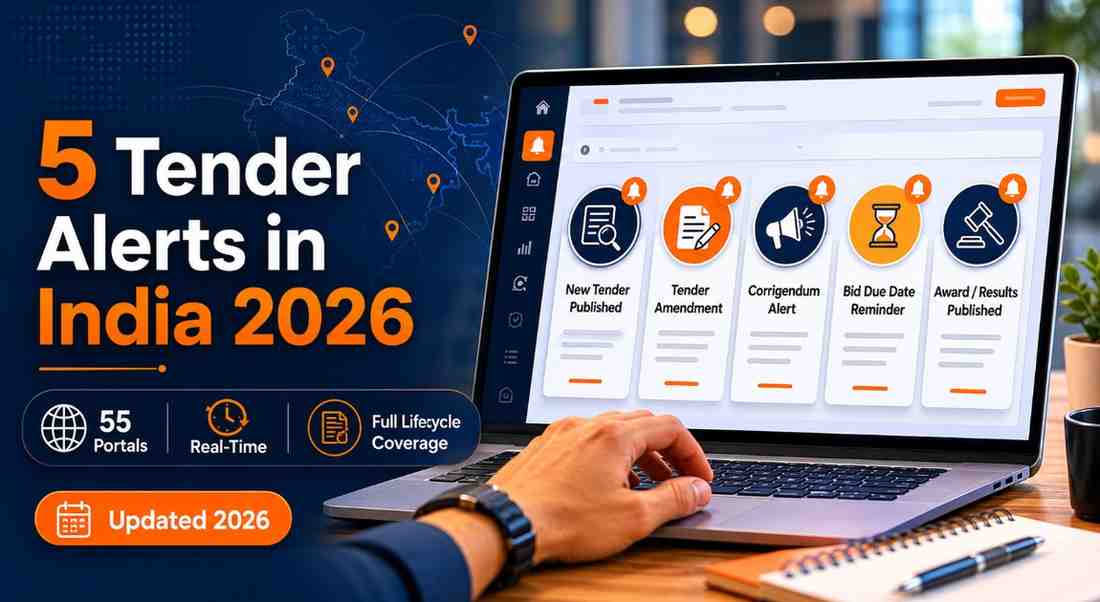
TenderDekho's Tender Alerts feature gives your business five distinct alert types — covering tender discovery, document amendments, competitor tracking, and bid results — across 55 government portals simultaneously.
Most portals stop at step one: telling you when a new tender matches your keyword. TenderDekho covers the entire procurement lifecycle from first publication to final declared result. Here is how the system works:
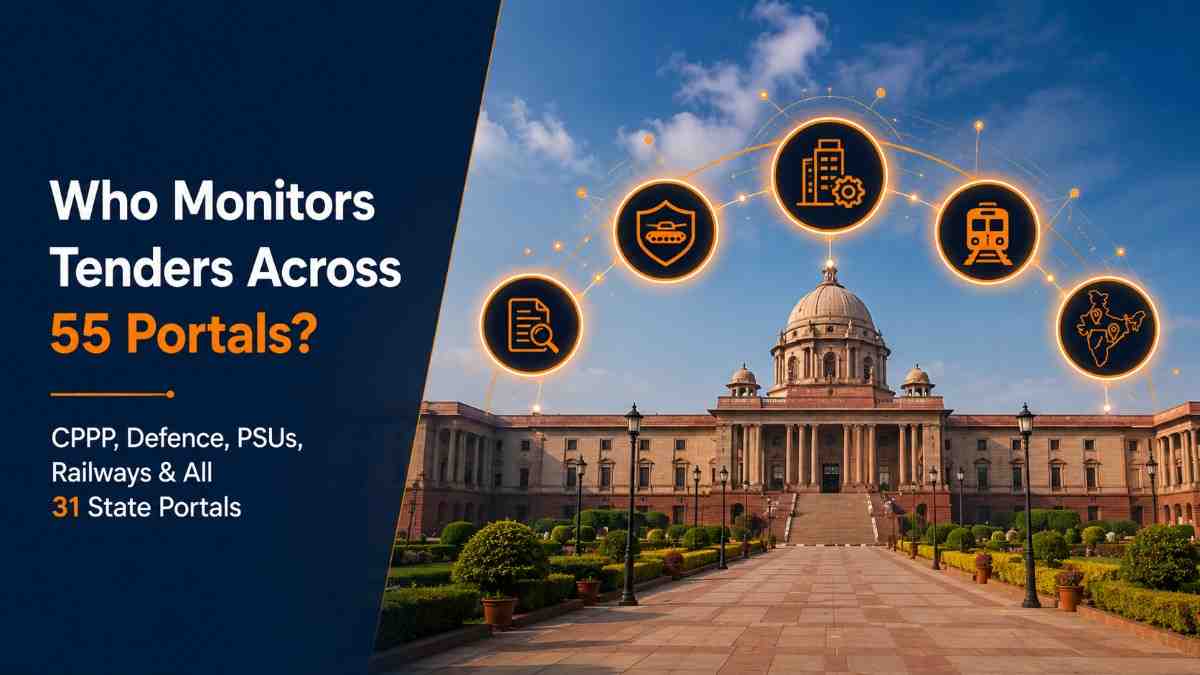
- Monitors 55 portals in real time — including CPPP, Defence eProcure, IREPS, GeM, NTPC, Coal India, BHEL, IOCL, and 31 state procurement portals
- Applies five different alert logic types — filter criteria, keyword matching, AI personalisation, tender-follow tracking, competitor-follow, and results publishing
- Delivers alerts instantly — the moment a match occurs, not in a next-day digest
- Covers 1.5 lakh+ active tenders with 10,000+ new additions daily and 30 lakh+ historical results for pricing intelligence
| Without Tender Alerts | With Tender Alerts |
|---|---|
| Manual search across 3–5 portals daily | 55 portals monitored automatically |
| Keyword alerts on one portal only | 5 alert types covering full lifecycle |
| No competitor visibility during active bids | Real-time competitor stage notifications |
| Miss corrigendum; submit outdated documents | Instant alert on every amendment issued |
| Learn results days after publishing | L1 winner + full bidder ranking in real time |
| Estimate pricing from past experience | Benchmark against actual declared market data |
Monitor live government tenders with smart alerts — and see exactly which of the 55 portals your category and state are most active on.
Step-by-Step: How to Set Up All Five Tender Alerts
Your complete five-alert configuration takes under 10 minutes. Here is the exact setup flow.
Step 1 — Log In and Open My Alerts
- Sign in to your TenderDekho account and navigate to My Alerts in your dashboard.
- Location: Top navigation → My Alerts
- What you see: Your active alerts panel with a + New Alert button and alert type selector
Step 2 — Create a Filter-Based Criteria Alert
- Select Filter-Based Criteria Alert from the alert type options.
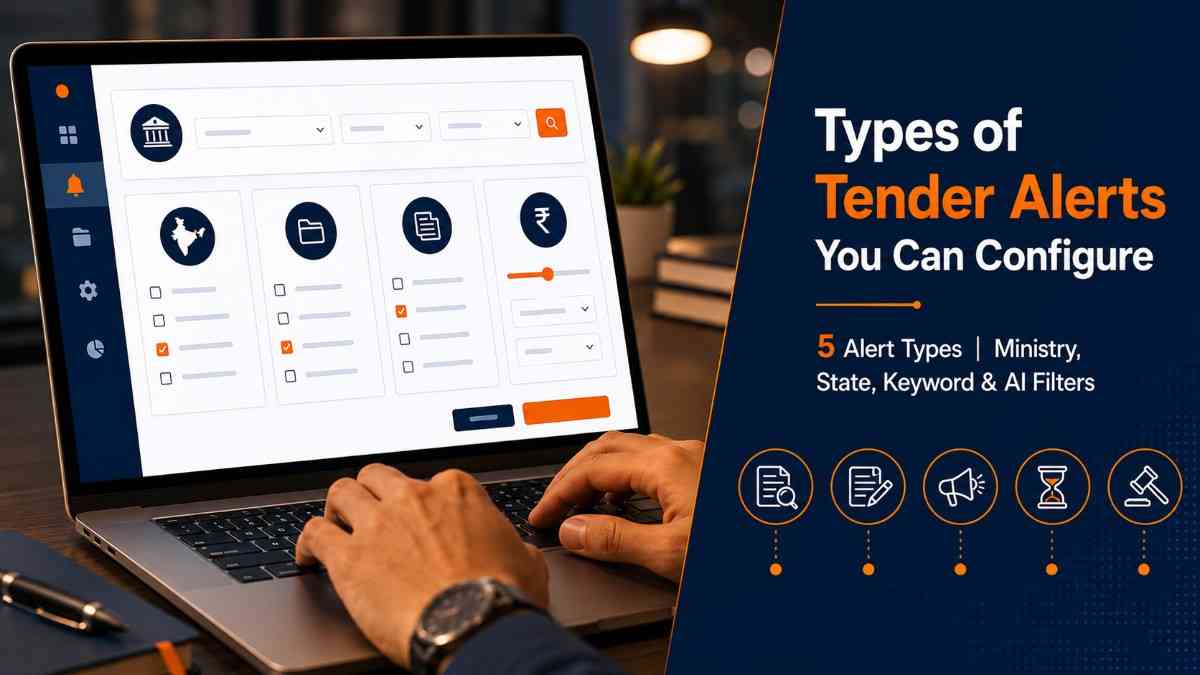
- Configure your filters across any combination of the following:
- a. Ministry / Department — e.g., MoRTH, CPWD, NHAI, Defence Production Department
- b. State / City — e.g., Maharashtra, Gujarat, Lucknow, Pune
- c. Category / Sector — e.g., Road Works, Electrical, Civil Construction
- d. Bid Value Range — e.g., ₹1 Cr to ₹25 Cr
- Click Save Alert — the alert is immediately live across all 55 portals.
Tip: Always set a bid value floor that matches your minimum viable project size. Businesses that skip this filter spend time reviewing tenders worth ₹5–10 lakh when their team capacity starts at ₹50 lakh. One value range filter removes 60–70% of irrelevant matches.
Step 3 — Add Keyword-Based Alerts
- Select Keyword-Based Alert and enter your primary category terms.
- Add multiple keywords per alert — the system matches against tender titles and work descriptions.
- Use the Exclude Keywords field to remove noise — for example, exclude "consultancy" and "survey" if your work is physical supply or construction.
- Choose between Exact Phrase and Partial Match modes depending on how specific your terminology is.
Tip: Government departments use 5–8 different terms for the same category. Adding all known variants — not just your primary term — is the single biggest improvement most users make after the first week.
| You Enter | Alert Covers |
|---|---|
| "bitumen mix plant" | bitumen plant supply, HMP equipment, hot mix plant, paver finisher |
| "civil construction" | civil works, RCC work, earthwork, building construction, BOQ civil |
| "electrical installation" | HT/LT works, electrical panels, substation works, switchgear supply |
| "IT infrastructure" | networking hardware, LAN equipment, server supply, data centre works |
Step 4 — Activate AI-Personalized Alerts
- Navigate to AI-Personalized Alerts in the alert setup panel.
- No manual filter setup is required — the system analyses your bid history, bookmarked tenders, and win record automatically.
- Each matched tender displays a Win Probability Score — a percentage showing how closely the tender aligns with your successful bid profile.
Tip: Tenders with AI win probability above 80% deserve first attention each morning. These represent your highest-probability opportunities based on how your business has actually performed, not just keyword proximity.
Step 5 — Set Up Tender Follow and Competitor Follow Alerts
- On any tender detail page, click Follow Tender to activate Tender Follow Alerts — you will receive instant notifications for every corrigendum, financial amendment, Reverse Auction schedule, pre-bid query, and deadline change on that specific tender.
- To track companies, go to Company Follow in My Alerts and search by company name.
- Once a company is added, you receive stage-by-stage notifications: technical qualification result, financial round commencement, Reverse Auction participation, and final L1 outcome.
Step 6 — Configure Results Alerts
- Select Results Alerts from the alert type menu.
- Apply filters for your relevant categories, states, and portals.
- The moment a result is declared, your alert delivers: winner name, L1 bid amount, total bidder count, and full ranked list from L1 to the last bidder.
Your five-alert configuration is now live. Set up Tender Alerts on TenderDekho today and your dashboard will begin matching tenders within minutes of the next publication across any of the 55 portals.
Real-World Example: How a Nagpur Infrastructure Firm Gained Full Tender Visibility
Consider a Nagpur-based civil infrastructure company supplying road construction materials and executing PWD and NHAI contracts across central India. Their procurement team of four was manually searching three state portals each morning — averaging 80 minutes of combined daily effort. They had no visibility into competitor movements and typically discovered bid results two to three days after publication.
After configuring their full Tender Alert suite:
- They created a Filter-Based Alert for MoRTH, NHAI, and CPWD contracts in Maharashtra, Madhya Pradesh, and Chhattisgarh, for bids between ₹2 Cr and ₹30 Cr
- They added Keyword Alerts for "road overlay", "bitumen supply", "highway maintenance", and "flexible pavement works"
- AI-Personalized Alerts returned 9 tenders above 75% win probability within 24 hours of account activity
- They activated Competitor Follow on four regional firms they regularly encountered at bid openings
- Their first Results Alert arrived the same day — a NHAI package result showing their closest competitor had underbid them by ₹9 lakh in a previous round, helping them calibrate the next submission
Active tenders in Maharashtra and Madhya Pradesh government tender opportunities were both covered from day one without any additional manual searching.
| Metric | Before Alerts | After Alerts |
|---|---|---|
| Daily search time | 80 minutes | 8 minutes (alert review) |
| Portals covered | 3 | 55 |
| Alert types active | 1 (keyword, one portal) | 5 across all portals |
| Competitor visibility | Zero | Real-time stage tracking |
| Time to result notification | 2–3 days | Under 5 minutes |
| Pricing benchmarks available | None | 45L+ historical results |
Frequently Asked Questions
Can I use all five alert types from day one, or do some require setup time?
All five alert types are available immediately after account setup. Filter-based, keyword, and results alerts go live the moment you save them. AI-Personalized Alerts begin learning from your existing bid history and bookmarks and typically generate personalised recommendations within 24–48 hours of your first platform activity.
How many alerts can I have active simultaneously?
TenderDekho supports multiple active alerts across all five types in parallel. You can run several filter-based criteria alerts targeting different ministries or regions, several keyword alerts for different product lines, multiple company follows, and tender follows — all active at once with no per-alert charges on any subscription plan.
What happens if a tender I am following is amended or cancelled?
Tender Follow Alerts notify you instantly for every document event: corrigendum issued, pre-bid query published, financial amendment circulated, Reverse Auction schedule released, deadline extended, and cancellation notices. You will never submit against an amended tender without knowing the current status.
Does AI-Personalized Alert work well for a business new to the platform?
AI-Personalized Alerts sharpen with more data — more bookmarks, bid history, and followed tenders improve the recommendation accuracy over time. For new users, starting with filter-based and keyword alerts is recommended while your AI profile builds. Most users see meaningful personalisation within the first two to three weeks of active use.
Are Results Alerts available across all 55 portals?
Results data is available from 48 of the 55 portals covered, with full L1-to-Ln rankings and bidder counts. The remaining portals provide full tender and document access but do not yet publish machine-readable result data. Coverage for each portal is detailed on the Tender Alerts page.
What if I do not know the technical terminology my category uses in government tenders?
Start with plain-language keywords — "solar panel installation" or "roofing works" — and add variants as matching tenders arrive. The keyword alert system supports both partial match and phrase match modes, so even imprecise terms generate relevant matches that help you discover the exact procurement vocabulary your category uses across different departments.
Set Up Your Five Alerts Today — It Takes Under 10 Minutes
Government procurement in India is not short of opportunity — it is short of visibility. Your competitors are not always winning because they are better; in many cases, they are winning because they found the tender first and your team did not. With five alert types, 55-portal coverage, and real-time delivery, TenderDekho Tender Alerts removes that visibility gap permanently.
Try Tender Alerts on TenderDekho — set up your full alert configuration today and your first matched tenders will appear within minutes of the next publication. Filter-based criteria to competitor follow to results alerts: complete in under 10 minutes.
For more guides on government tender strategy, bid preparation, and GeM registration, explore the TenderDekho procurement blog. If your team needs help configuring alerts for your specific category, state, or portal mix, the TenderDekho support team responds within 24 hours.